
Get EazMapper for
Windows & macOS
Turn your computer into a lead generation powerhouse. Native performance, unlimited local storage, and advanced filtering.
Installation Guide
Download the Installer
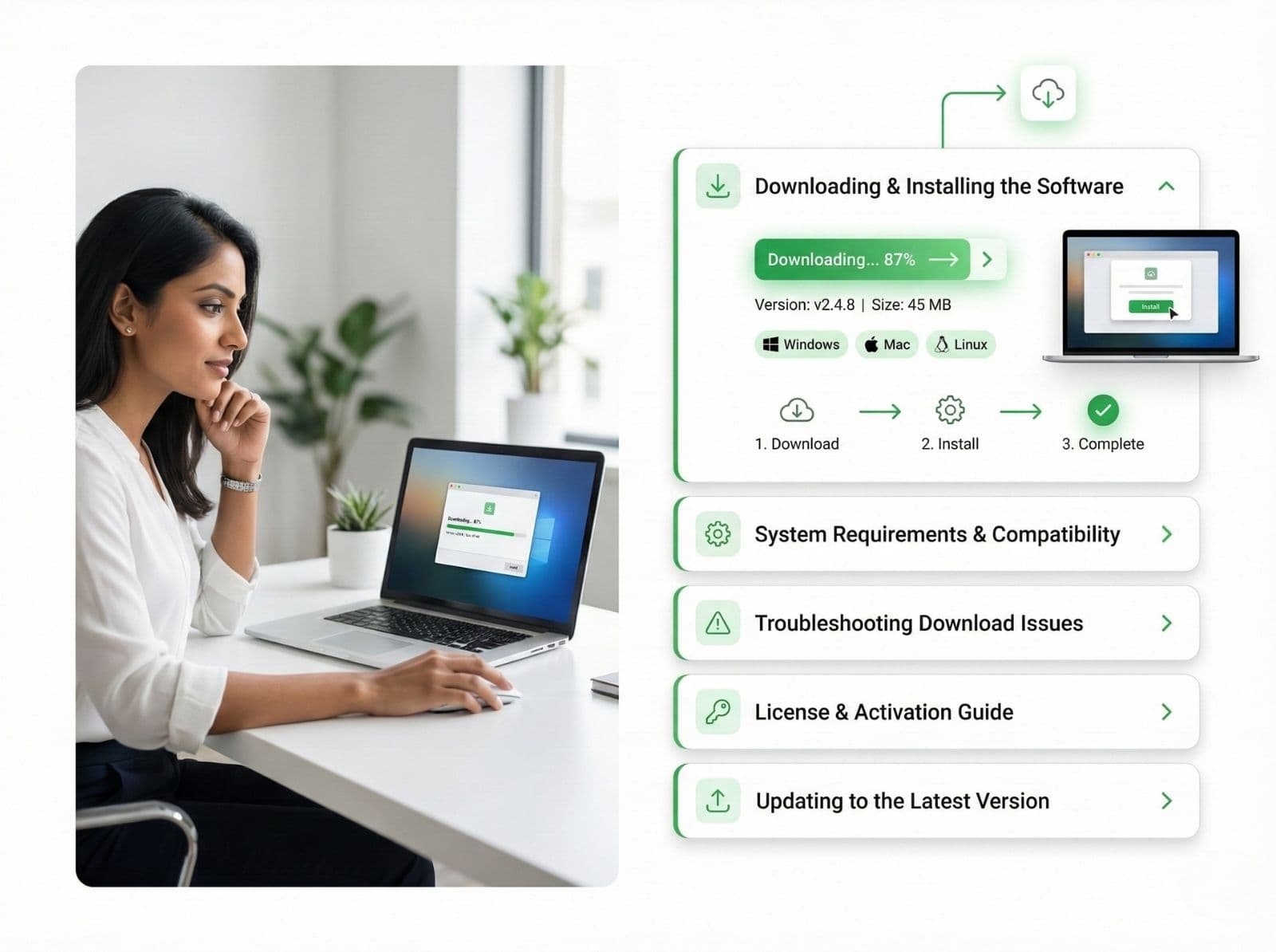
Click the button above to download the EazMapper_Setup_v2.0.4.exe file to your computer.
Run Setup
Double-click the downloaded file. Windows Defender SmartScreen may appear; click "More info" then "Run anyway" if prompted.
Login & Start Mapping
Once installed, launch the app from your desktop shortcut. Log in with your EazMapper credentials to sync your license.
System Requirements
Windows 10 or 11
64-bit architectureDual Core 2.0 GHz
Intel i3 or AMD equivalent4 GB Minimum
8 GB Recommended500 MB Free
SSD recommended for speedMac and Linux users can run EazMapper using virtualization software like Parallels Desktop or VMWare Fusion.
Trusted by data teams worldwide
What's New in v2.0
| Type | Feature | Description |
|---|---|---|
| New | Smart Export | Now supports direct export to XLSX with formatting preserved. |
| New | Dark Mode | Full UI support for dark system themes. |
| Improved | Data Extraction Engine | 2x faster lead extraction speeds on multi-core processors. |
| Fix | Proxy Rotation | Fixed an issue with connection timeouts on residential proxies. |
Common Questions
EazMapper is optimized for 64-bit Windows 10 and 11. It typically requires 4GB RAM and 500MB disk space. For huge lists, 8GB RAM is recommended.
You might see a SmartScreen warning because our installer is new. Click 'More info' > 'Run anyway'. Our software is 100% safe and virus-free.
EazMapper checks for updates automatically on launch. If a new version is found, it will download and install itself seamlessly.
No, your license key is strictly bound to the first computer you activate it on. It cannot be transferred or used on another machine.
Ready to map your market?
Download EazMapper today and start extracting qualified leads in minutes.